


 You can use cryptocurrency only to purchase a plan with us if you wish.
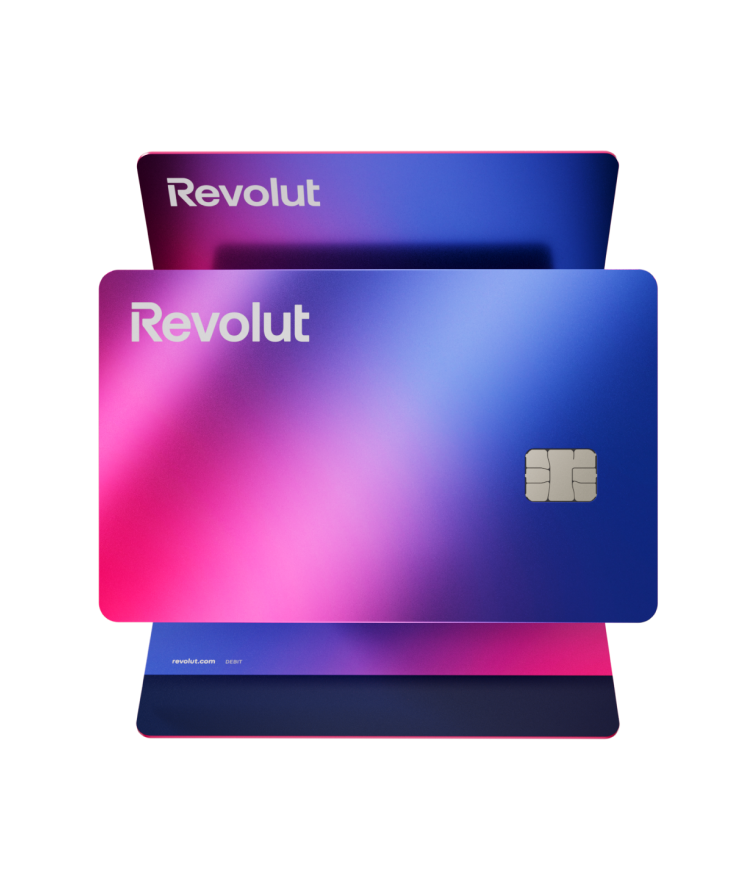
Revolut is available on the common REVOLUT platform and you can access it via browser, Android app, and iOS app.
Configure the app on your preferred and most comfortable device to use.
When creating a Revolut account, you will need to set up some personal and security information. Follow the steps provided on each page.
I. START THE REGISTRATION:
-
Open the app.
-
Click on “Create account”.
-
Enter your mobile phone number → you will receive an SMS code.
-
Enter the code to continue.
II. CONFIGURE PERSONAL DATA
Next, you will set up your personal information. Revolut requests mandatory information for legal reasons (KYC).  Use accurate information, because then you need to verify the identity.
-
Full name
-
Date of birth
-
Residential address
-
E-mail
III. CHOOSE YOUR PLAN.
Revolut offers several plans: Standard (Free – ideal for beginners); Plus; Premium; Metal. Choose what you want, you can change it later.
IV. CONFIRM IDENTITY
This step is required to use the account without limits. Verification usually takes 1 to 5 minutes.
-
Open the app → Menu → Profil → Identity verification.
-
Take a photo of a valid document: Citizen Card, Passport, Driver’s License (in some countries)
-
Take a quick selfie/recording to prove your identity.
After your identity is confirmed, you can create a physical card if you wish, load it into your account, and use it for any purpose you desire. 👉To fund your account and send cryptocurrency, follow the steps below!
Follow the steps below to make the payment or find the video tutorial below.
To perform cryptocurrency transactions, access “CRYPTOCURRENCY” in the main menu:
- Purchase the currency indicated for the amount of the plan you want. To purchase the currency, you need to have funds in your Revolut account.
- Enter the address provided in our customer support chat into the search bar.
- Select the purchased currency and the network we indicated in our customer service chat to make the transfer. <0>Note that for the correct network to appear, you must have the correct network selected.

 Use the currency and network indicated in the customer support chat.